

Today, I’m excited to share an article from Pete McPherson. Pete has built and sold AI-built apps, earning over $350,000 without experience. In this post, he explains exactly how he did it and how you can get started, too. This can be an interesting way to make extra income!
Three years ago, I was a burnt-out creator debating whether to go back to a “real job.”
Since then, I’ve…
- “Coded” 8 apps
- Sold 2 software companies
- Earned over $350k+ (just from those).
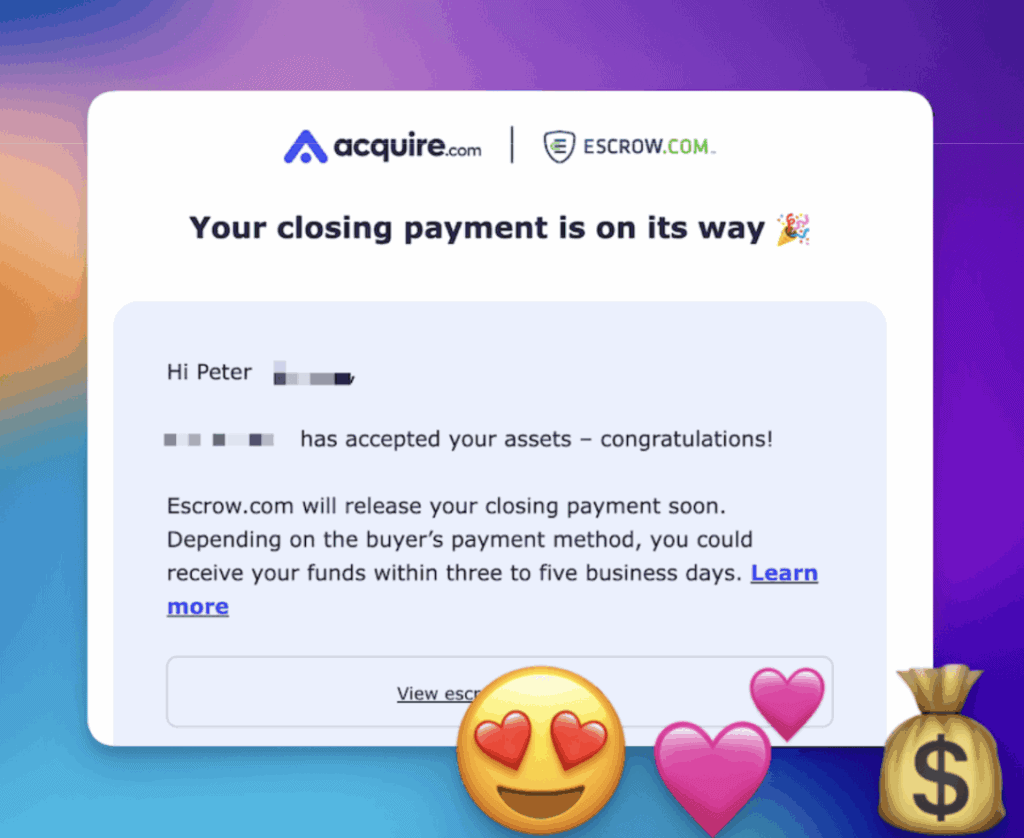
While working less than 20 hours a week…
With no developer experience(!)…
And no massive audience…
The secret?
You guessed it: A.I.
This post is the “how I did it” story–the mistakes, strategy, and “vibe coding” blueprint.
No fluff. Just value.
Let’s roll 👇
What this post will give you…
This post explores “vibe-coding.”
- What it is
- Why it matters
- How you can start
And when you close this browser tab, I want you to have 3 things:
- Inspiration 👉 PROOF that these wild opportunities exist
- Knowledge 👉 There’s a lot of TEACHING here.
- Confidence 👉 My goal is to make this as NON-TECHY as possible, and I hope you have a few “a-ha!” moments.
Recommended reading: 12 Surprising Work From Home Jobs You’ve Probably Never Heard Of
“Woah Pete. Code? AI? Saas? Sounds techy and overwhelming…”
- Good news = You do NOT need to be super techy to “use” this blog post
- Bad news = There will always be new terms & tech to learn
I mean, heck…
I am NOT a trained developer. I’m a full-time content creator.
If you’ve learned WordPress or video editing software, you can do this, too.
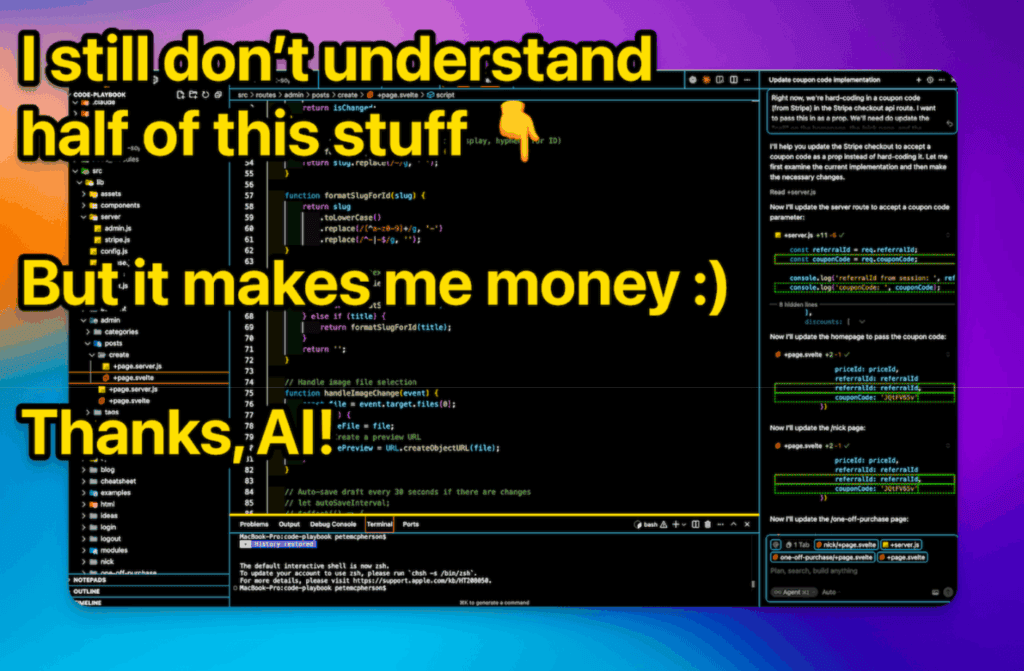
I’m going to show you how to let AI do all the hard stuff for you.
Your job?
- Come up with ideas
- Chat with AI
- Guide the process
This post will keep things dead simple.
Recommended reading: 10 Best Ways To Use ChatGPT To Make Money
How I learned how to do this stuff…
Here’s my timeline:
October 2016
I quit my accounting job (after 2 years of fear). I take a part-time gig at a small startup so I can spend more time SIDE-HUSTLING. Get laid off after one paycheck (ruh roh).
June 2017
I launch Do You Even Blog accidentally by recording interviews with money-making bloggers (Thanks, Michelle 🙏). I LOVE THIS WORK SO MUCH!
2017 – 2021
I ran the podcast, YouTube channel, blog, courses, and a membership! Made enough $$$ to survive. Still loved it.
Summer 2021
Burnout. Boredom. Started OTHER businesses (12+ websites, 3 YouTube channels, 2 podcasts). Variety is nice. Money is nice.
December 2022
My media empire is rockin! I made a detailed plan for 2023. Then ChatGPT releases.
January 2023
Panic. I feel like AI is the next ‘thing,’ but I’m afraid to drop my entire plan. After a month, I pivot everything to AI.
March 2023
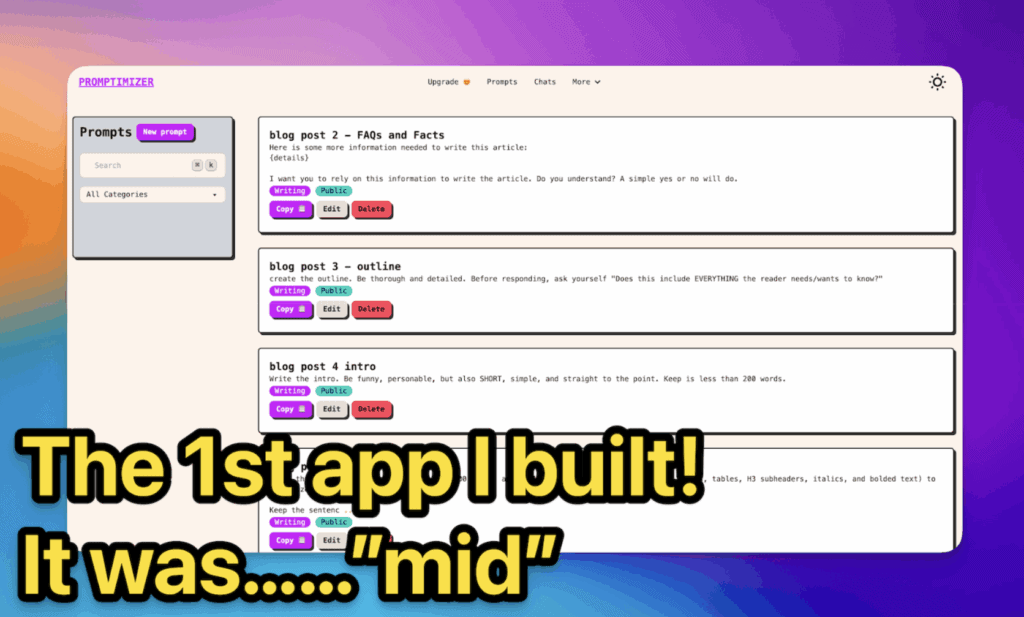
I see a YouTube video where ChatGPT codes. Mind blown. I start “coding” my first app.
June 2023
I spend LITERALLY 3 MONTHS on this app, and it was one of the most difficult & frustrating things I’ve ever done, and I only got about 10 paying users. But I shipped it and I’m proud.
August 2023
I try again. This app only takes 3 WEEKS (what?!) and it immediately grows to $1,000/month in recurring revenue.
October 2023
FABB AI (stands for Fully Autonomous Blog Bot) is making about $3k/month, but I have a health emergency and pause ALL my work.
March 2024
I build Topical Map AI in about 3 DAYS(!) to solve my own pain point. Made a few grand, then went passive.
April – November 2024
Built more small apps with AI. Took partners for Topical Map AI who promoted it. Revenue grew to $7-8k/month and it’s mostly passive for me.
December 2024
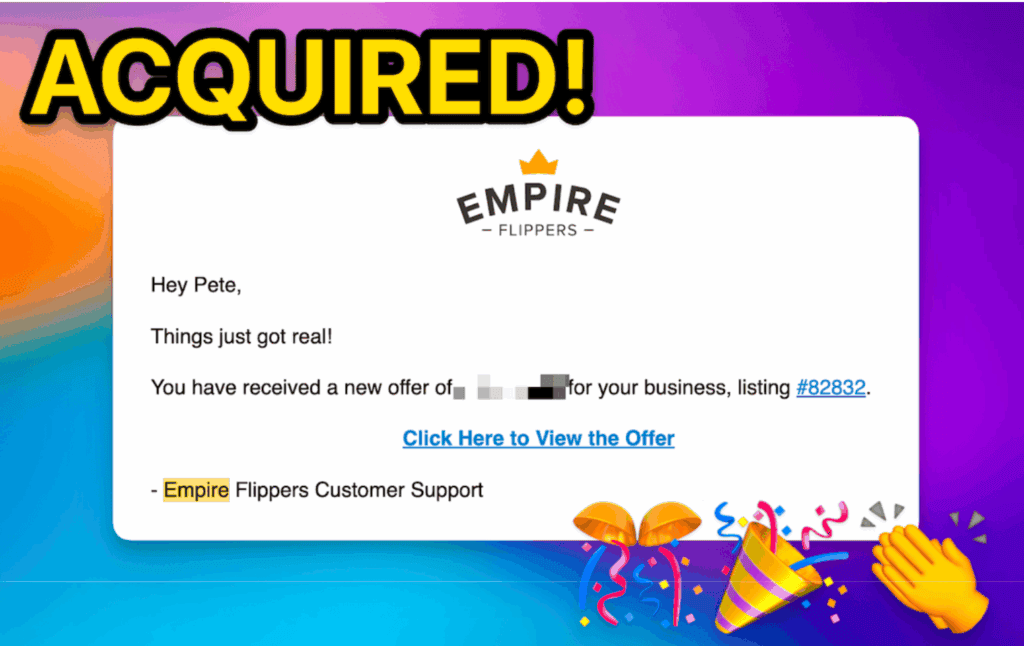
Listed FABB AI for $45,000 “just to see what happens” and it sells within 10 days. Um. What. Didn’t know I could do that.
January 2025 – Today
Following the “blueprint” full-time (it’s below!) Created Code Playbook to teach others how to do this stuff. Sold Topical Map AI after 10 months of ignoring it (whoops, but yay!). Now I ship apps part-time-ish, make money, and I’m having the time of my life.
Let’s move into “teaching mode” for a moment 👇
My exact “blueprint” for making money:
Here are my vibe-coding philosophies (built from the past 2 year of craziness):
1 – Build in Public
Always grow your personal brand outside of specific businesses! Strategies go stale and projects go away, but it’s vital to have an audience that follows you in the long-term.
“Build in public” = share behind-the-scenes. What you’re working on, lessons learned, tips & tricks, etc. This builds your authority and indirectly builds interest for your next product.
2 – The “Audience-First” Rule
I don’t build anything unless I can clearly see where my first 10-100 customers will come from.
Yes, I have my Do You Even Blog audience (a huge asset), but I also look for ways to reach new people. I like to know this BEFORE I start work on a product.
3 – The “Idea Abundance” System
Stop waiting for “big ideas” and start capturing “tiny ideas” DAILY. I keep an “idea inbox” for easy brain-dumping.
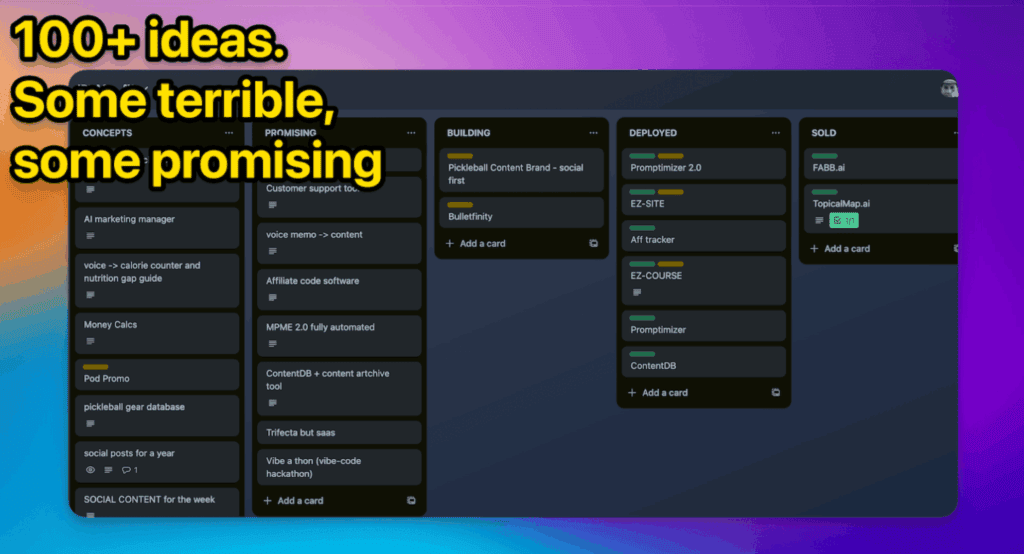
(At the end of this post, I’ll share my 3 tricks for quickly generating app ideas if you’re stuck).
4 – Build it to Sell
I get bored easily and I don’t enjoy marketing. 2 things that make “scaling” really difficult.
So I start every project asking, “Can I sell this in 12 months?” or “Can I make this 90% passive?” If the answer is no, I don’t even start!
I learned this the hard way. I would’ve made more money if I hadn’t PAUSED both companies I sold.
5 – The big picture for each new project
My current process:
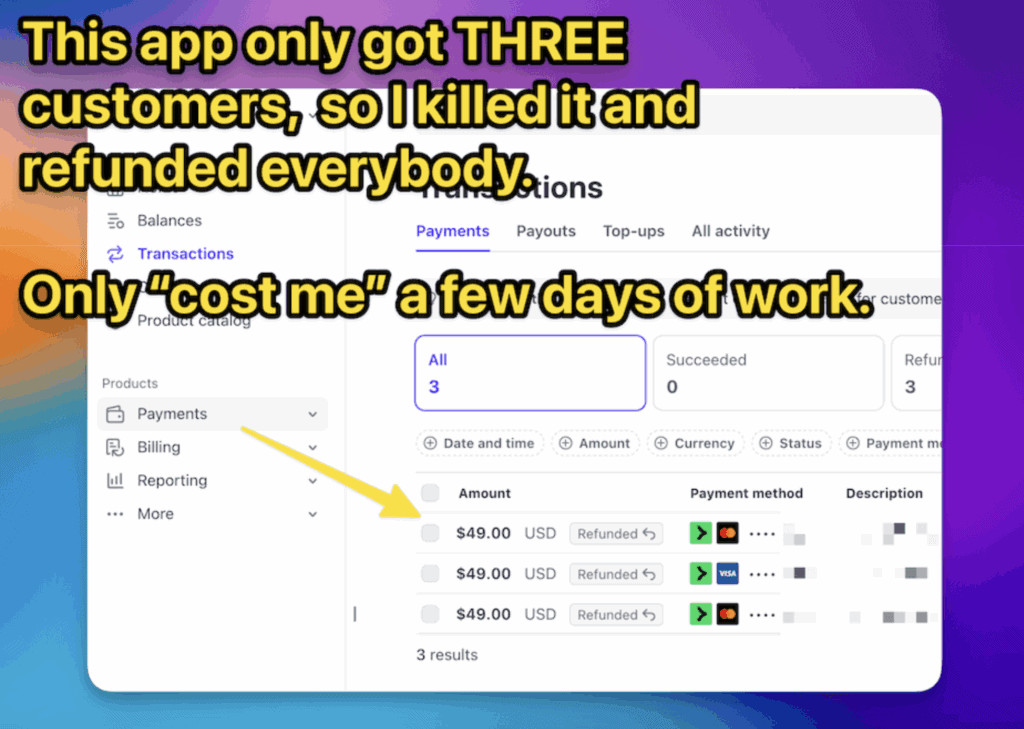
- Month 1 👉 Sloppy MVP and alpha testers
- Month 2 👉 Clean it up and launch the beta at a discounted price
- Month 3 👉 “Kill or keep” the project. It gets obvious fast.
- Month 4 👉 Create documentation and onboarding.
Everything after that should be marketing.
6 – Leverage partners
I hate marketing, so I find partners who have the audience I need!
Affiliates are good, but equity partners are SO much better. They provide more energy, audience, and even ideas. It’s a surprisingly easy pitch!
7 – Build to sell, part 2
I have learned a lot about what buyers look for:
- STABLE revenue
- An easy transition
- An interesting brand
I build with those things in mind, first and foremost!
P.S. If you’d rather watch my blueprint for these steps, I put it on YouTube.
What is “vibe-coding?”
Vibe-coding = using AI to code.
It’s not about programming languages, frameworks, syntax, and highly technical stuff…
It’s about…
- Having an idea
- Chatting with an AI about it (hence the ‘vibe’)
- Letting the AI do all the HARD work (i.e. the actual coding)
- Going back and forth until it works 💪
You have ideas and manage. AI writes code.
You vibe code back and forth until it WORKS.
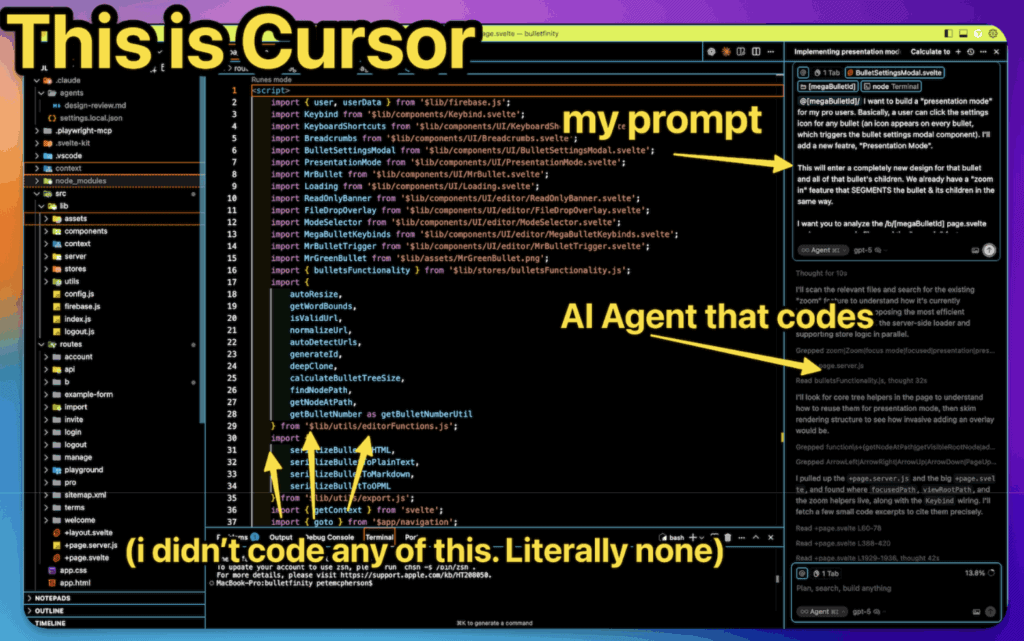
No engineering degrees. No bootcamps. Just chatting, testing, tweaking, and SHIPPING.
The tools I use & recommend
First, an important point: the tools matter less than MOMENTUM.
There are new AI coding tools released every day, and you should ignore 99% of that.
You’ll really only need 3 things:
- A laptop
- An AI code editor
- A host
I’ll skip the computer recommendations and get to the fun stuff (also, below is a YouTube video where I dive deeper into my tools).
An AI code editor
You might see these called “IDEs,” by the way.
All the big options have AI baked right in!
I have tried them all, and I recommend using Cursor.
If you’re going to pay for ANY tool to vibe-code, it’s Cursor, but you can also start on the free plan!
What about Bolt & Lovable and all these “does everything for you” tools?
I do NOT recommend them.
It might be easier to get started, but you get less control, more bugs, and more headache in the long-term. Skip them!
A host
Just like you need a host for your WordPress website, you need a host for your app website.
Use Vercel.
The best free tier, easy GitHub connect, fast deploys, etc. Done.
VIBE-CODING PRO TIP:
The “best tool” is the one you’ll actually open and USE. Reduce friction. Use Cursor or Windsurf. Build stuff daily.
“Pete, what about programming languages? Frameworks? Databases?!”
Who cares?
Let the more techy developers argue about Python vs Javascript vs Deno vs Bun vs PostgreSQL.
Your customers don’t care, as long as your app works.
Ask ChatGPT to recommend a “simple, beginner-friendly stack,” after you describe what you want (see below).
Or–you could use my pre-made “kit.”
It’s like buying a cake mix instead of baking from scratch 🎂
This is the “tech stack” I use for every single project:
- SvelteKit – Web-app framework. Uses Svelte + JavaScript (AI knows it well).
- Firebase – Your “backend as a service” aka your database
- Tailwind CSS – How you style your app. AI knows this well!
- Stripe – For getting that money 💸
AI can set 95% of this up FOR you!
And for the 5% it can’t, it can walk you through it.
How to vibe-code your first app, step by step
Here’s the 30,000-foot overview of the process I use for every app I build.
1 – Set up your computer
There’s one manual thing to do before you vibe code–setting up your computer!
It’s like connecting your Super Nintendo console to your TV before you can play.
You only have to do this once.
AND…AI can walk you through it step-by-step
- Find the “terminal” on your computer (Google can show you how!)
- Install Cursor
- Install both Node.js and npm (AI can do this)
- Sign up for a free GitHub account
2 – Ask AI to set up your app (with a starter template)
First, I recommend chatting with ChatGPT/Claude about your project…
- Explain the idea
- Explain any features you want
- Explain–everything
Ask it for feedback–as well as what “framework” or “tech stack” you should use.
Then you’ll prompt AI (in Cursor) to set it up!
- (Optional) Locate the documentation for your app framework (SvelteKit is here, for example) Copy/Paste the URL for the documentation to your AI
- Prompt AI to set up a new project (give it your details, like the name, etc.)
- Troubleshoot errors with AI
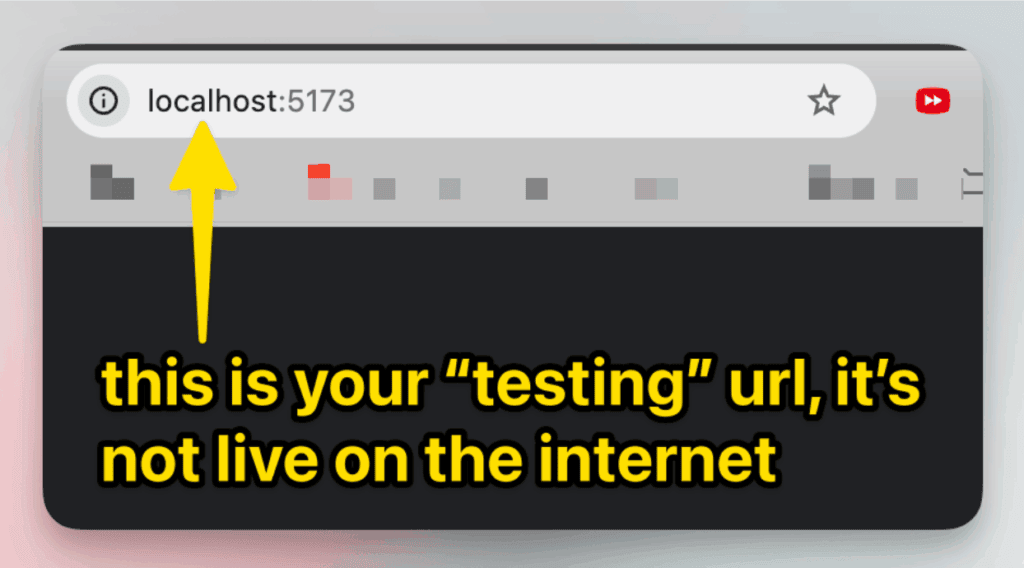
- Get your project running “locally” (on your computer) and test it with the funny URL that your AI gives you.
This proves your local setup is working!
 Michelle Schroeder-GardnerSource